 English









Content
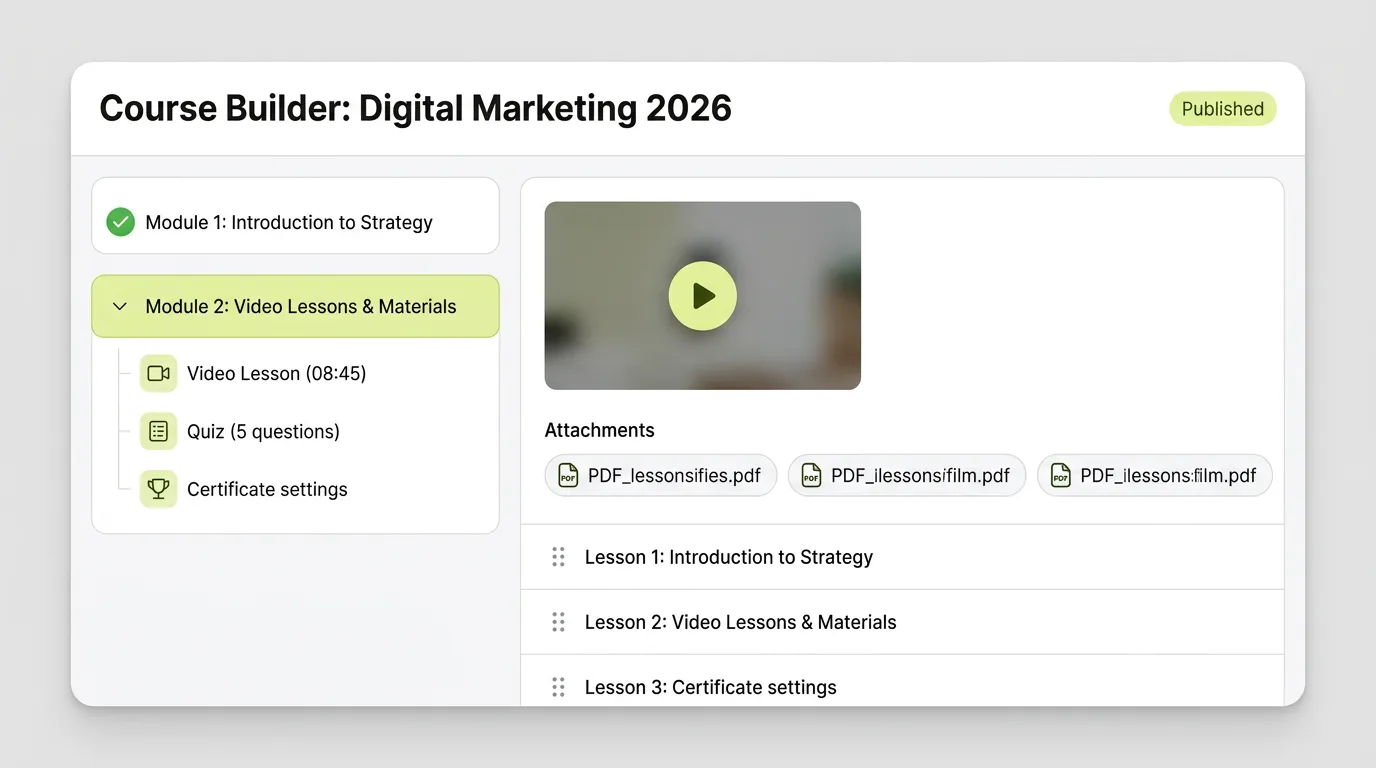
- Video uploaded and played inside the lesson
- PDFs and files, with downloads on or off per lesson
- Free preview lessons
Note: storage depends on your plan.

Products
Everything you need to sell learning
Features
Everything you need to build, scale, and automate learning
Online course platform
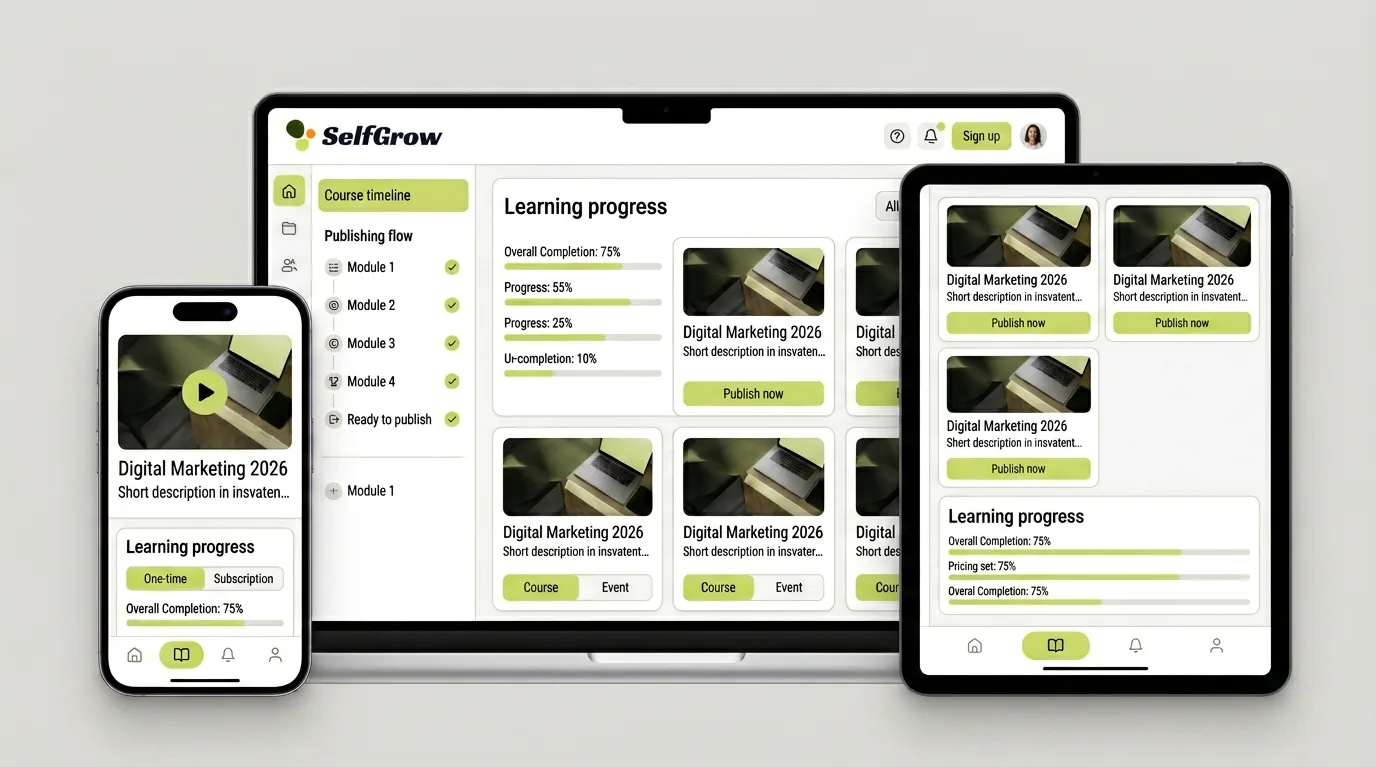
Marketplaces bring traffic, but they set the rules and often own the relationship with your students. SelfGrow is the other route: your own course site, your prices, your students. Video hosting, checkout and access are already wired together.
No card needed for the trial.
Other ways to do it
They all work. The difference is how much you end up building and maintaining around the course yourself.
How it works
No developer, no plugins to glue together. How long it takes depends mostly on how ready your material is.
Split your videos and PDFs into modules and lessons. Mark one lesson as a free preview so visitors can see what they are buying.
One-off price, instalments via Stripe, or a coupon code. Access can be lifetime, until a date, or for a set number of days.
Build the sales page from ready-made blocks in the page builder. Your school already has its own address, so the link can go straight into your newsletter or social posts.
What you get
Limits sit next to the features, so nothing surprises you after signup.
Note: storage depends on your plan.
Note: certificates confirm completion of your course; they are not accredited qualifications.
Note: only enrolled students can open lessons, but no platform can stop screen recording.
Note: SelfGrow does not send you buyers. Marketing stays with you.
Two sides of one course
Your dashboard
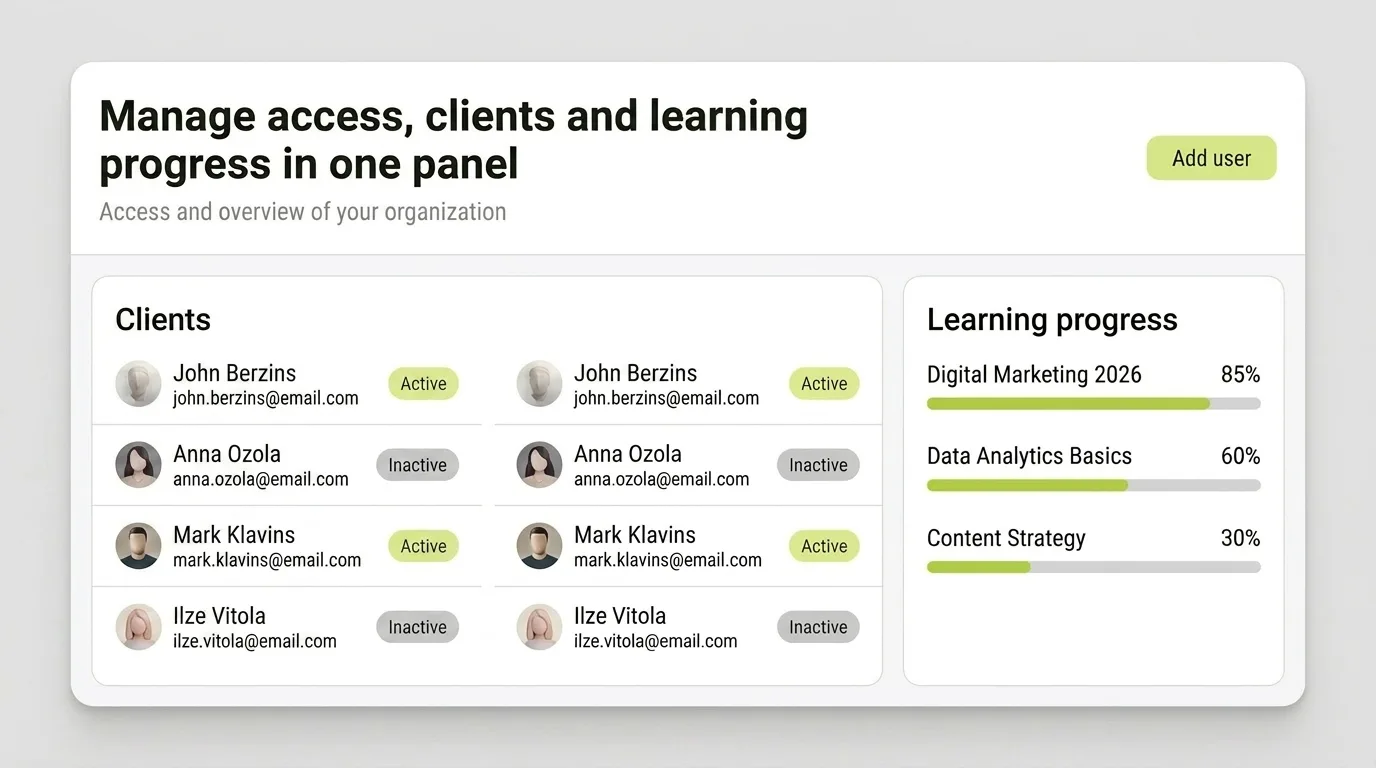
Student area
Pricing
A monthly plan, plus a platform commission on plans that have one. Payment provider fees are separate.
For your first paid course, when you run the school on your own.
9 .00 € / month
7,5% on Stripe Connect payments SelfGrow takes the plan percentage only from card payments through Stripe Connect. Bank transfers, PayPal, EveryPay and Montonio go straight to your account with no platform cut.
30-day trial on this plan
Card · Montonio · Bank transfer
For a growing school with several courses and new students every month.
38 .00 € / month
0% platform commission SelfGrow takes the plan percentage only from card payments through Stripe Connect. Bank transfers, PayPal, EveryPay and Montonio go straight to your account with no platform cut.
30-day trial on this plan
Card · PayPal · EveryPay · Montonio · Bank transfer
For a large school or training centre with a wide course catalogue.
98 .00 € / month
0% platform commission SelfGrow takes the plan percentage only from card payments through Stripe Connect. Bank transfers, PayPal, EveryPay and Montonio go straight to your account with no platform cut.
30-day trial on this plan
Card · PayPal · EveryPay · Montonio · Bank transfer
For your first paid course, when you run the school on your own.
108,00 €
86
.40 €
/ year
Save 21,60 €
7,5% on Stripe Connect payments SelfGrow takes the plan percentage only from card payments through Stripe Connect. Bank transfers, PayPal, EveryPay and Montonio go straight to your account with no platform cut.
30-day trial on this plan
Card · Montonio · Bank transfer
For a growing school with several courses and new students every month.
456,00 €
364
.80 €
/ year
Save 91,20 €
0% platform commission SelfGrow takes the plan percentage only from card payments through Stripe Connect. Bank transfers, PayPal, EveryPay and Montonio go straight to your account with no platform cut.
30-day trial on this plan
Card · PayPal · EveryPay · Montonio · Bank transfer
For a large school or training centre with a wide course catalogue.
1176,00 €
940
.80 €
/ year
Save 235,20 €
0% platform commission SelfGrow takes the plan percentage only from card payments through Stripe Connect. Bank transfers, PayPal, EveryPay and Montonio go straight to your account with no platform cut.
30-day trial on this plan
Card · PayPal · EveryPay · Montonio · Bank transfer
To platform = monthly plan price + plan percentage, assuming every sale is a card payment through Stripe Connect. Bank transfers, PayPal, EveryPay and Montonio carry no percentage. Payment provider fees, VAT and refunds are not included. Check course, student and storage limits too.
Quick check
Tick what you already have. You do not need the full course to start.
0 / 5
Start with one lesson. The rest can follow once the course is live.
FAQ
Tell us what material you have and what you are planning. We will answer for your case.
No. SelfGrow is your school and your sales tools, not a marketplace with its own audience. You bring the buyers through your list, social channels or website.
Once the payment provider confirms the payment, the course opens in the student area automatically and the student gets an email with a login link. If the payment fails, access is not granted.
Stripe, PayPal, Montonio and EveryPay. The exact payment methods your students see depend on the provider and your agreement with them.
That depends on the plan; current rates are shown in the pricing section. Payment provider fees are separate and set by your provider.
Yes. Each lesson can open immediately, a set number of days after the previous one, or on a fixed date.
Instalments are available through a connected Stripe account. Coupon codes work on any course.
No. A certificate confirms the student completed your course. It is not an accredited qualification unless you hold that accreditation yourself.
Only enrolled students can open your lessons, and you decide whether PDFs can be downloaded. No online platform can fully prevent screen recording, so state how your material may be used in your course terms.
No. You build the sales page in the page builder, and your school gets an address like your-school.selfgrow.me straight away. You can connect your own domain for an extra fee or on a plan that includes it.
You can export your student list and orders at any time. For how long material is kept after cancelling, contact us before you decide and we will answer for your case.
Further reading
Get started
Set up one lesson and check the whole purchase before you share the link with anyone.
